Beautiful Console Logs
in your Terminal
A lightweight logging library with colors, icons, timestamps, and block banners. Make your console output beautiful and informative.
npm i heco-logWhy use heco log?
Everything you need for beautiful console logging in one simple package.
Colorful Output
7 built-in colors plus bold styling. Make your logs stand out with vibrant, readable colors.
Smart Logging
Built-in log levels with icons and timestamps. Info, success, error, warn, and debug methods.
Block Banners
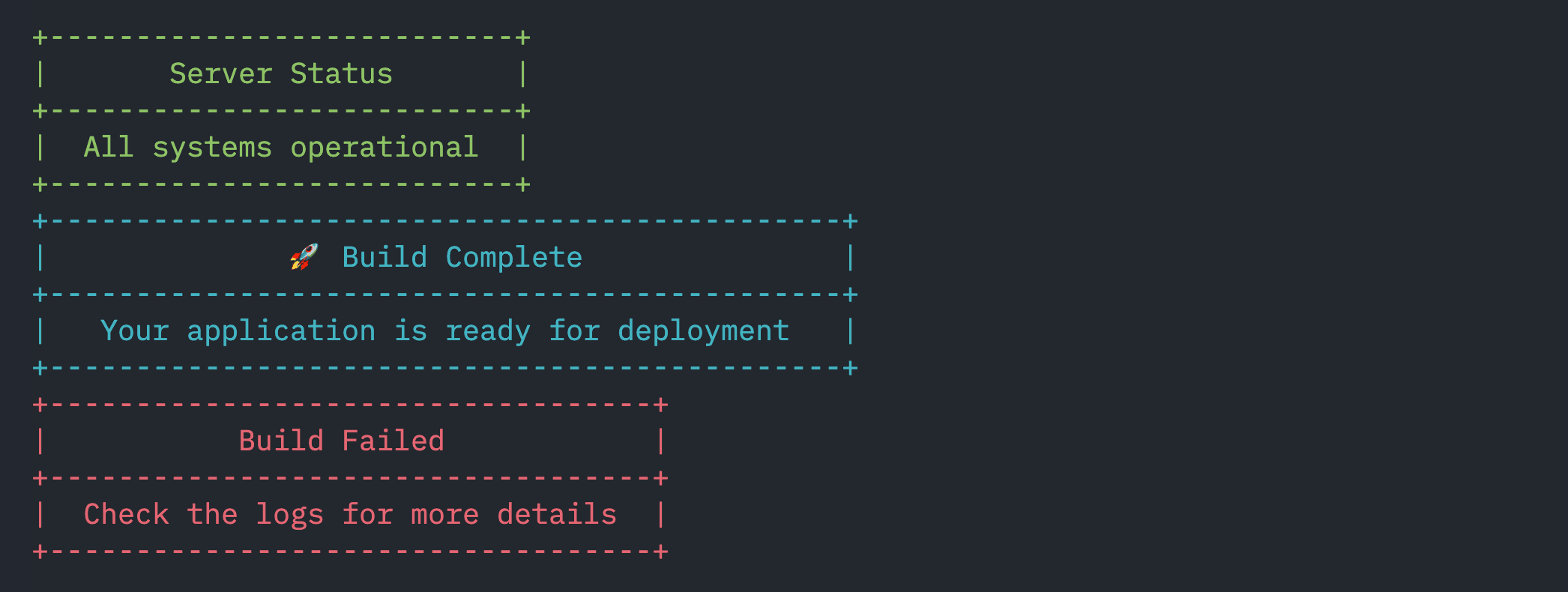
Create beautiful bordered message blocks with custom titles, colors, and padding.
Table Display
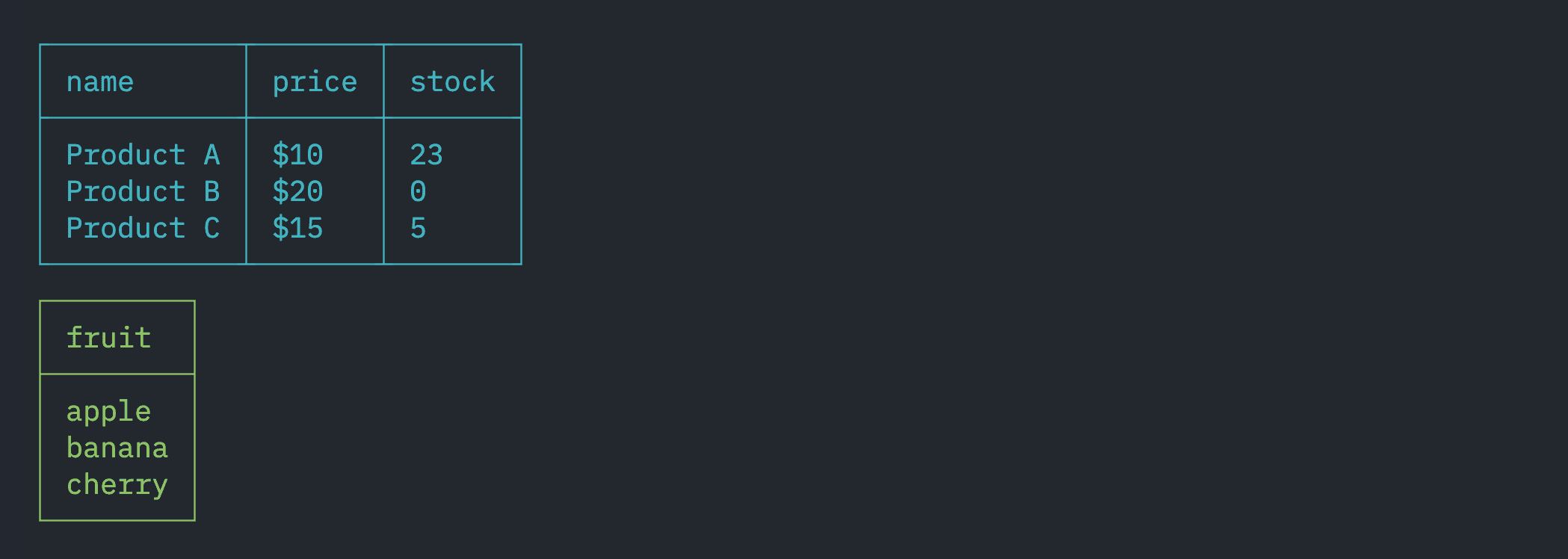
Format arrays and objects into beautiful ASCII tables with customizable colors.
Zero Dependencies
Lightweight library with no external dependencies. Fast installation and minimal footprint.
TypeScript Ready
Full TypeScript support with proper type definitions and IntelliSense.
Quick Start
Get up and running in seconds
1Installation
Install heco-log using your preferred package manager. Choose from npm, yarn, or pnpm.
2Basic Color Usage
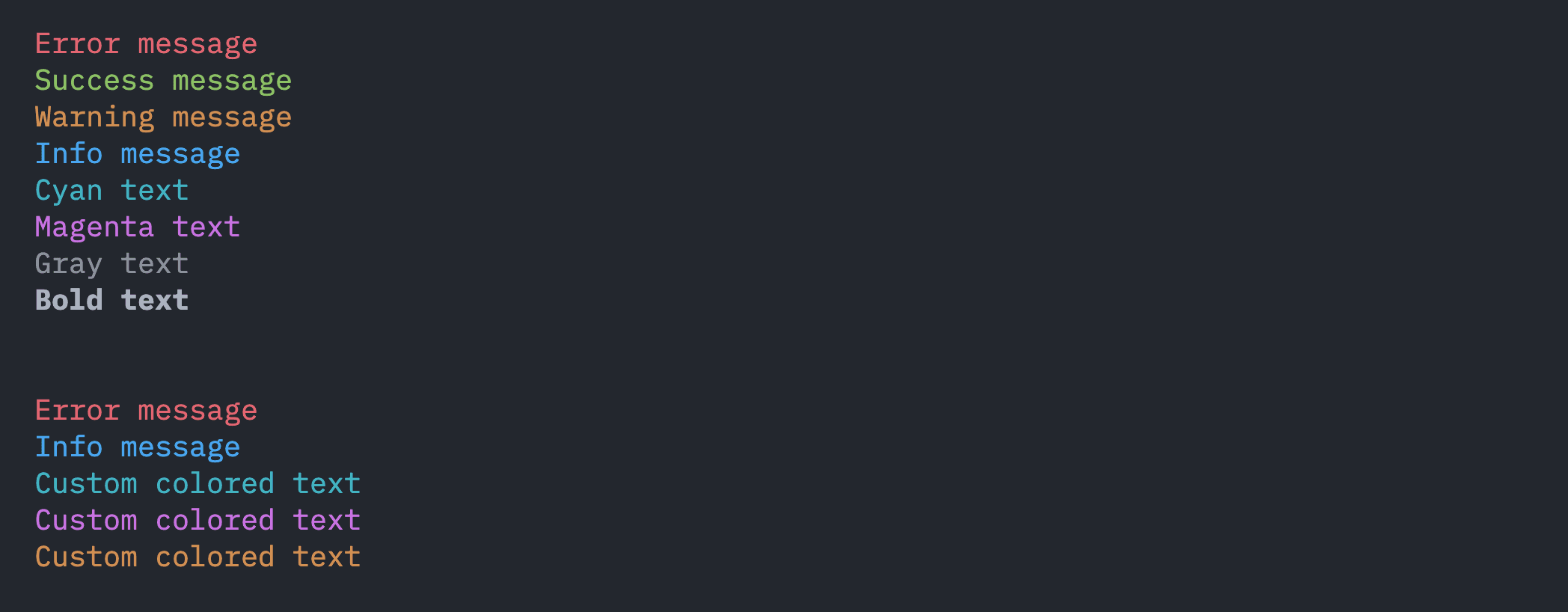
Import heco and start using colors in your console output. Each color method returns a formatted string.
3Custom Colors
Use HEX or RGB value to style your console output with heco's customColor method.

4Structured Logging
Use built-in log levels with automatic timestamps and icons for professional console output.

5Simple Banner
Create a simple banner with a title and message.

6Block Banners
Create beautiful bordered message blocks for important announcements and status updates.
7Table Display
Display arrays and objects as beautiful ASCII tables with customizable colors and formatting.
8Traces
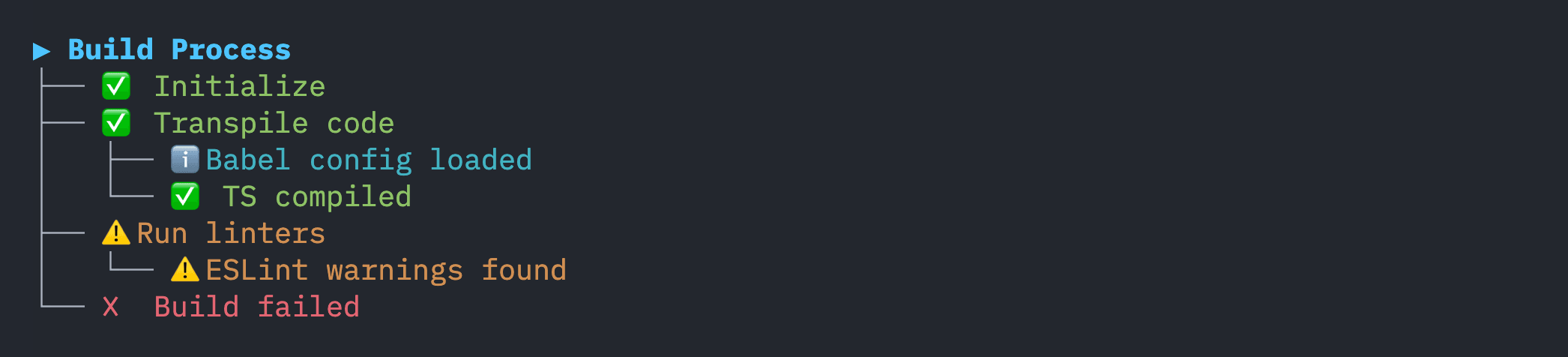
Visualize complex processes with nested trace logs for better debugging and clarity.
9Step Logs (Async)
Show progress for each step in an async workflow, with error and warning handling.

10Spinner (Async)
Show a spinner while running an async task.

11Progress Bar
Display a progress bar for iterative or long-running tasks.

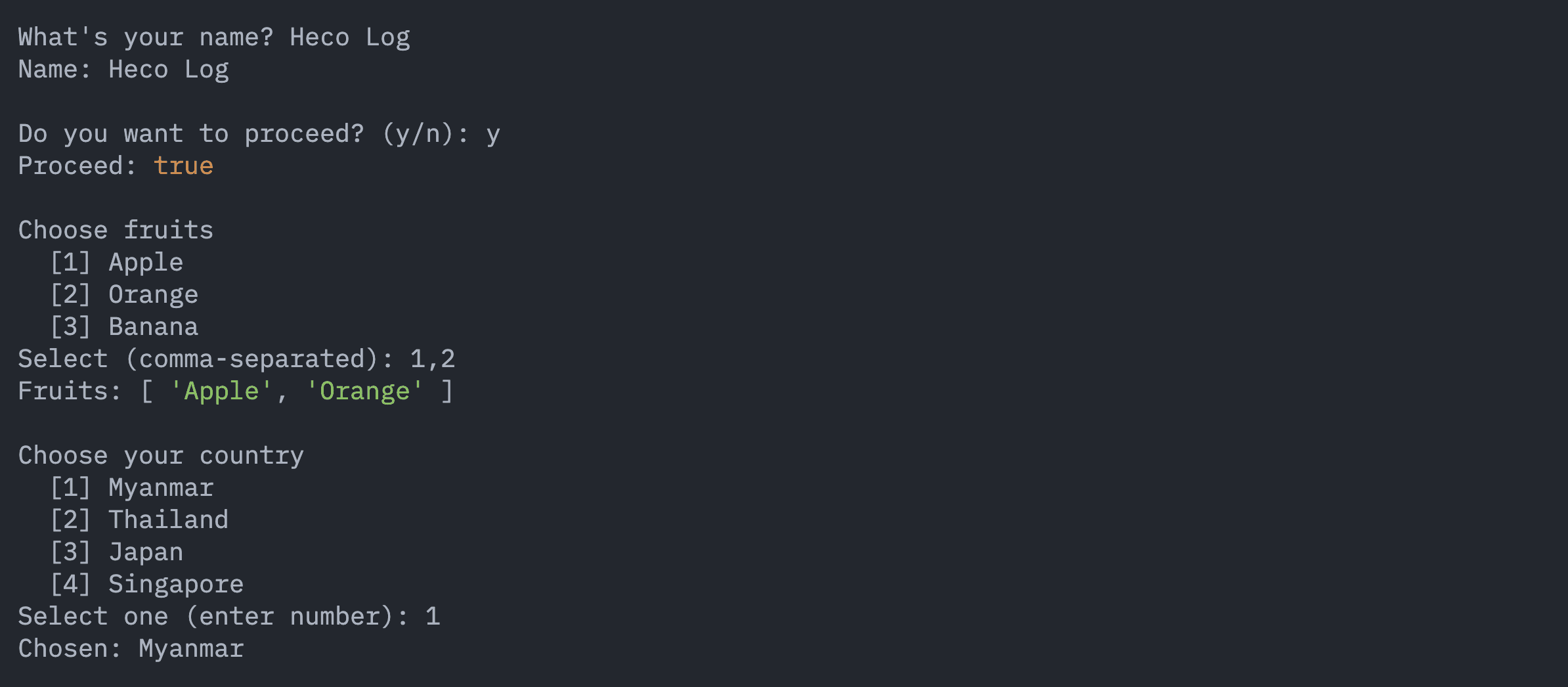
12Prompts
Interactively prompt users for input, confirmations, and selections in the CLI.
13Advanced Text Styling
Style your console output with fine-grained control using `heco.text()` and chainable `.with()` methods. You can use both object-based and chainable styles for maximum flexibility.
